CPU first
Editing and encoding need sustained multi-core performance. We don't size the processor around gaming FPS alone.
Streaming PC Sheffield / hybrid workstation builds
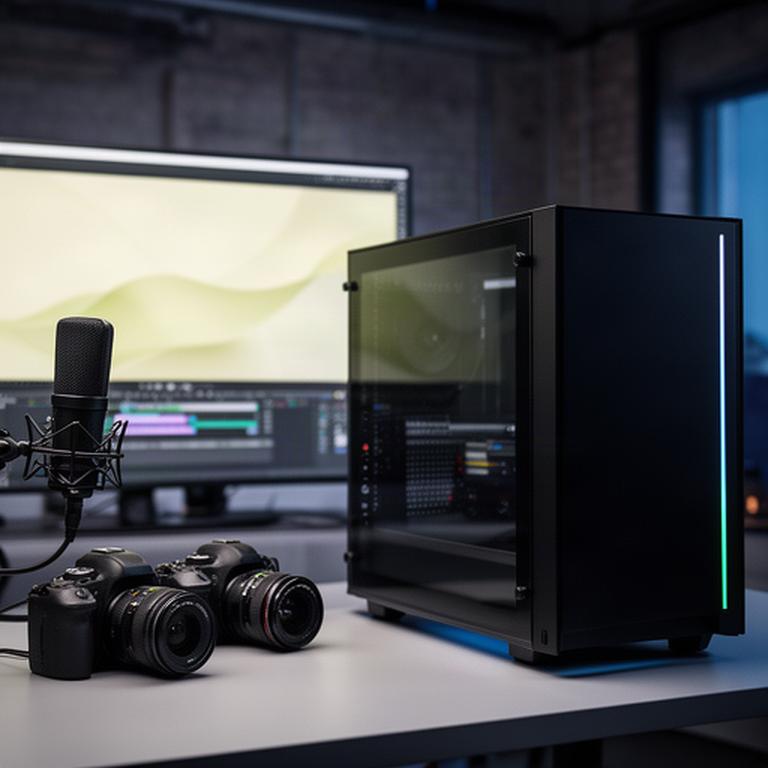
Your stream drops frames when OBS starts. Your edit timeline stutters after three layers. Blackwell's Builds builds a gaming and streaming PC around the work you actually do, with the CPU, GPU, memory and cooling matched to it.
No single-purpose compromises.
01 / workload check
Tick the tasks that share your screen. The result points to a sensible starting tier, so the conversation begins with your software stack rather than a stock parts list.
Select the pressure points.
Choose an app or game above. We’ll map CPU core count, RAM, VRAM and storage around the combination.
Editing and encoding need sustained multi-core performance. We don't size the processor around gaming FPS alone.
32GB handles regular streaming and editing. 64GB makes sense when 4K timelines, assets and browser tabs stay open together.
A fast NVMe project drive keeps active work responsive. Larger SATA SSD or HDD storage holds the archive.
02 / signal path
Modern GeForce cards can handle NVENC or AV1 encoding while the GPU renders the game. That keeps x264 CPU load away from the frames your audience sees.
The encoder matters.
NVENC: clean 1080p60 output with little impact on play.
AV1: better image quality at the same bitrate where your platform supports it.
Capture cards: an internal card can take HDMI from a console or camera without crowding your main system.
| Output | Encoder | Bitrate | Keyframe |
|---|---|---|---|
| 1080p60 | NVENC H.264 | 6000 kbps | 2 sec |
| 1440p60 | NVENC AV1 | 12000 kbps | 2 sec |
Plan a capture card when your camera or console needs a clean HDMI route.
We leave room to test bitrate, upload stability and peripheral bandwidth before handover.
03 / capacity planning
A video editing PC needs more than a fast boot drive. Blackwell's Builds separates operating system, current projects and bulk footage so one full folder doesn't slow every other task.
A sensible floor for OBS, a game, browser tabs and 1080p or light 4K work.
1TB PCIe 4 NVMe
Useful when colour work, effects, assets and a live stream share memory at once.
2TB NVMe + 2TB SSD
For Blender scenes, Unreal projects and large compositions that punish small memory pools.
NVMe workspace + archive
| Software workload | Memory | GPU focus | Storage layout |
|---|---|---|---|
| Premiere Pro | 32–64GB | VRAM for effects and export | NVMe project drive |
| DaVinci Resolve | 64GB | CUDA / OpenCL performance | NVMe cache plus SSD assets |
| Blender / Unreal | 64GB+ | VRAM for scenes and renders | Fast workspace plus archive |
04 / room tone
A sudden fan spike ruins a take. We pair a suitable cooler with PWM fan curves, a sensible case layout and vibration control, then tune the system around the way you record.
Noise is part of the brief.
Coolers from Noctua or be quiet!
Large, quiet cooling avoids frantic RPM changes.
Custom fan curves
The system ramps gradually instead of shouting at every short spike.
Clean cable paths
Tidy routing reduces turbulence and leaves room for future upgrades.
05 / starting points
These are directions, not fixed shopping lists. We can build around the monitors, capture hardware and storage you already own.
Choose the workload, then tune it.
For regular live sessions, competitive games and a clean camera setup.
Focus: high frame rates with NVENC encoding and low fan noise.
Discuss this tierFor Resolve, Premiere, Unity and Unreal work beside everyday gaming.
Focus: multi-core output, CUDA workloads and larger project caches.
Discuss this tierFor dense timelines, Blender scenes, high-resolution footage and long renders.
Focus: sustained processing, VRAM headroom and controlled thermals.
Discuss this tier06 / build brief
Tell us what runs together, how often you record and where the noise becomes a problem. Blackwell's Builds will map the parts around those facts.
Game, OBS, browser, Discord, editor and assets all count.
Tell us about microphones, recording distance and acceptable fan noise.
We account for the next camera, monitor or storage upgrade.
Thermals, cabling and fan curves are part of the finished system.
07 / make the brief
Don't let render times eat your upload schedule. Send Blackwell's Builds the software you use, the games you play and the room you record in. We'll turn that into a practical content PC plan.
Start with the workload.